
Review first
Use prototype and graph views to inspect the screen structure before pushing the project further.
Pixelmost supports the step from app concept and flow review into TestFlight testing, so you can validate the product on real devices instead of stopping at mockups.
If TestFlight is part of your workflow, Pixelmost helps you review structure first, prepare the project, and continue into App Store Connect and device testing.
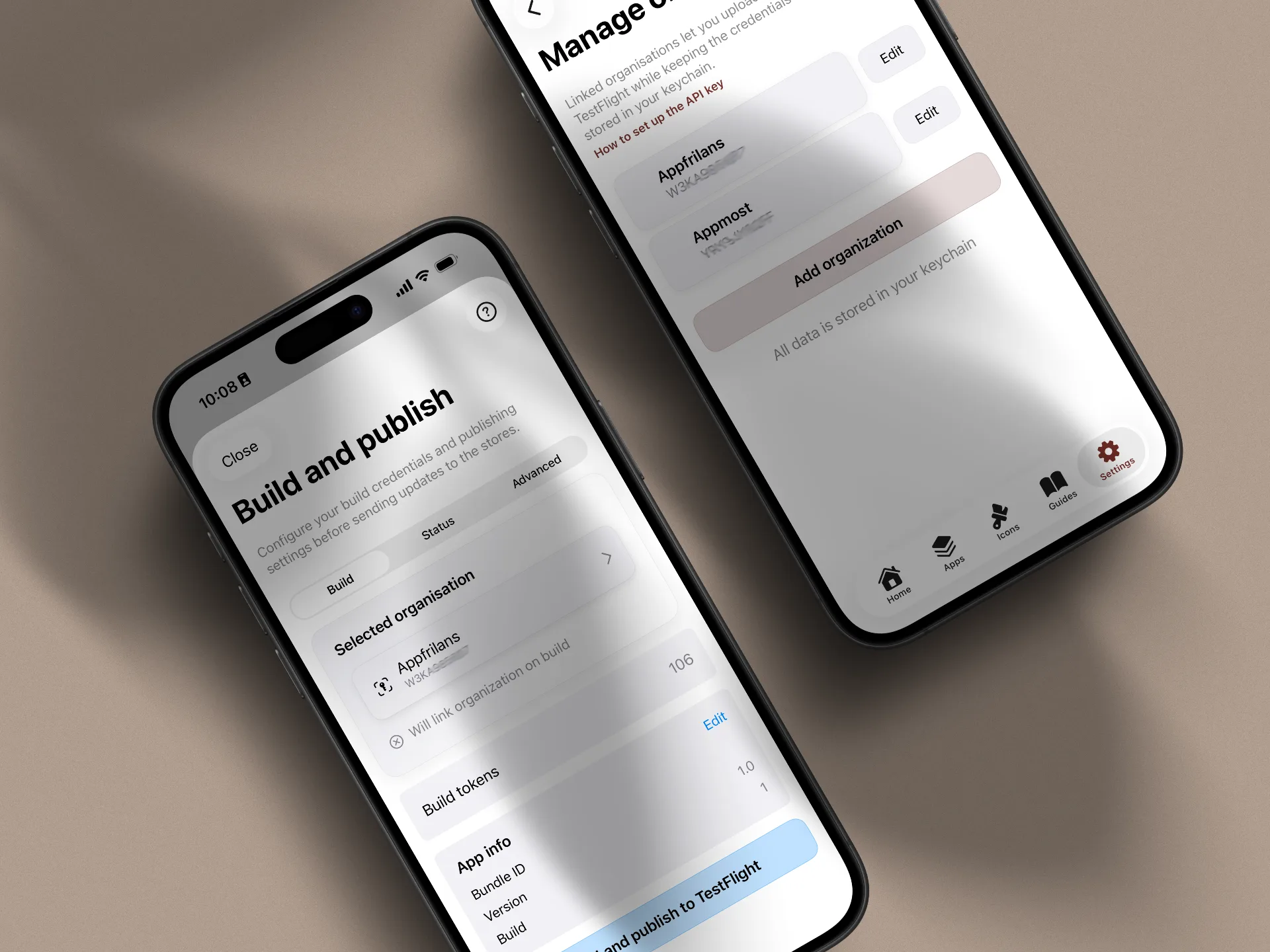
TestFlight matters when the design is no longer only a concept. At that point you want to check flows on real devices, collect feedback, and find issues before a public release.
Use prototype and graph views to inspect the screen structure before pushing the project further.
Make sure app metadata, bundle ID, certificates, and distribution choices are lined up before upload.
Move into TestFlight when the key journeys are ready to be validated outside the design review stage.
The smoother TestFlight step starts with basic setup already in place.
Have the app record, team access, bundle ID, and build strategy defined before you try to ship a build.
Certificates, bundle identifiers, and provisioning profiles still need to match for uploads to work cleanly.
Know whether the first round is internal QA, a partner review, or a broader external beta group.
If you are working through App Store Connect, certificates, and internal versus external testing, the guide below is the best companion to this page.
These pages cover the steps that usually lead into TestFlight testing.
Use Pixelmost to review screens, connections, and product flow before you move into device testing.
Inspect the screen map in one view so missing routes and structural issues are easier to catch first.
See which plan includes TestFlight upload tokens and how the workflow fits with other Pixelmost features.