
Create an initial direction fast
Start with a prompt and turn an idea into screens you can react to instead of a blank canvas.
Pixelmost helps founders, designers, and product teams create mobile app prototype flows from prompts, refine screen structure, and review paths before testing.
Use one workflow for early mockups, interactive prototype review, navigation checks, and export-ready project handoff.
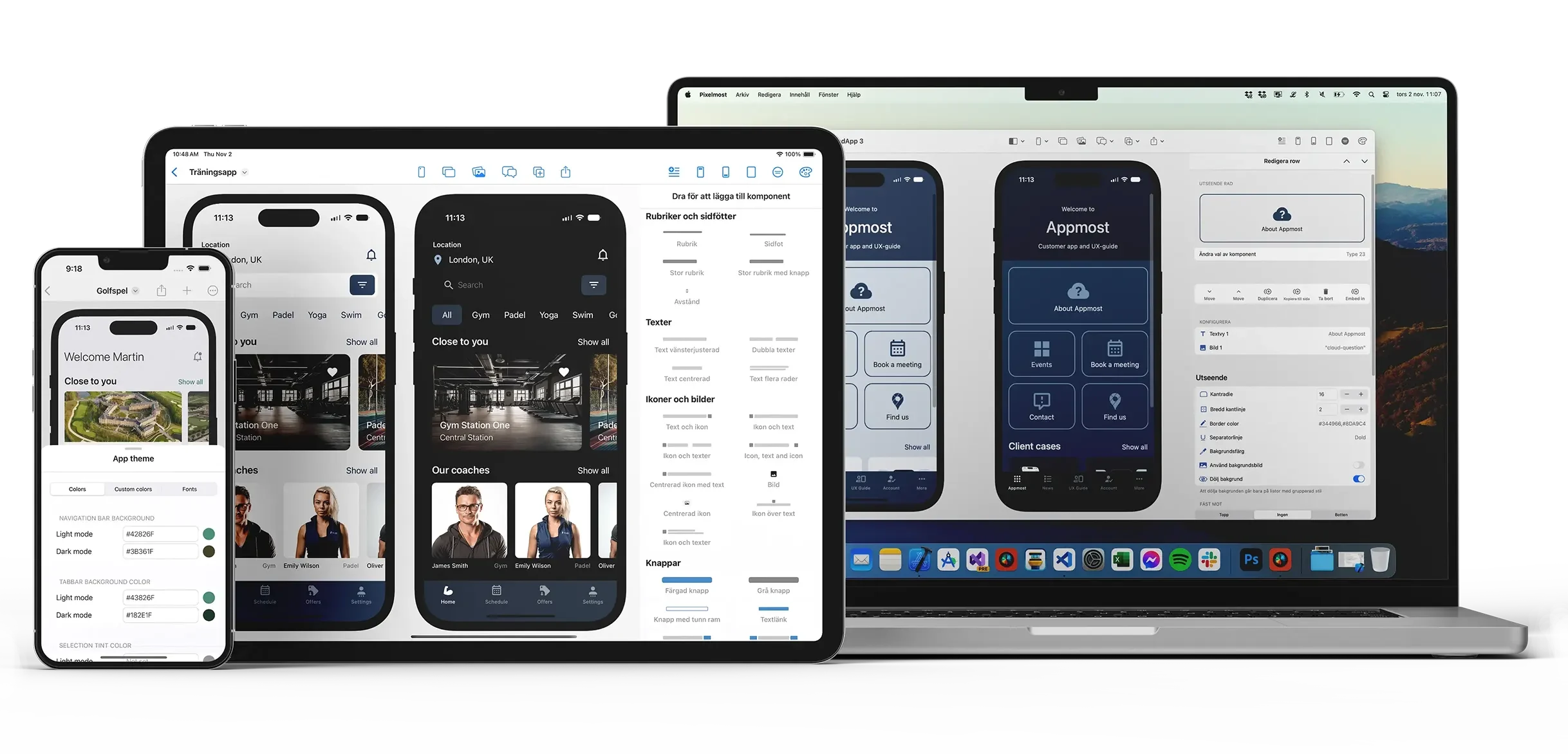
Good app prototypes are not only about drawing screens. You also need to check how screens connect, where users go next, and whether the product structure still makes sense as the project grows.
Start with a prompt and turn an idea into screens you can react to instead of a blank canvas.
Use prototype and navigation views to walk through key journeys and catch awkward paths earlier.
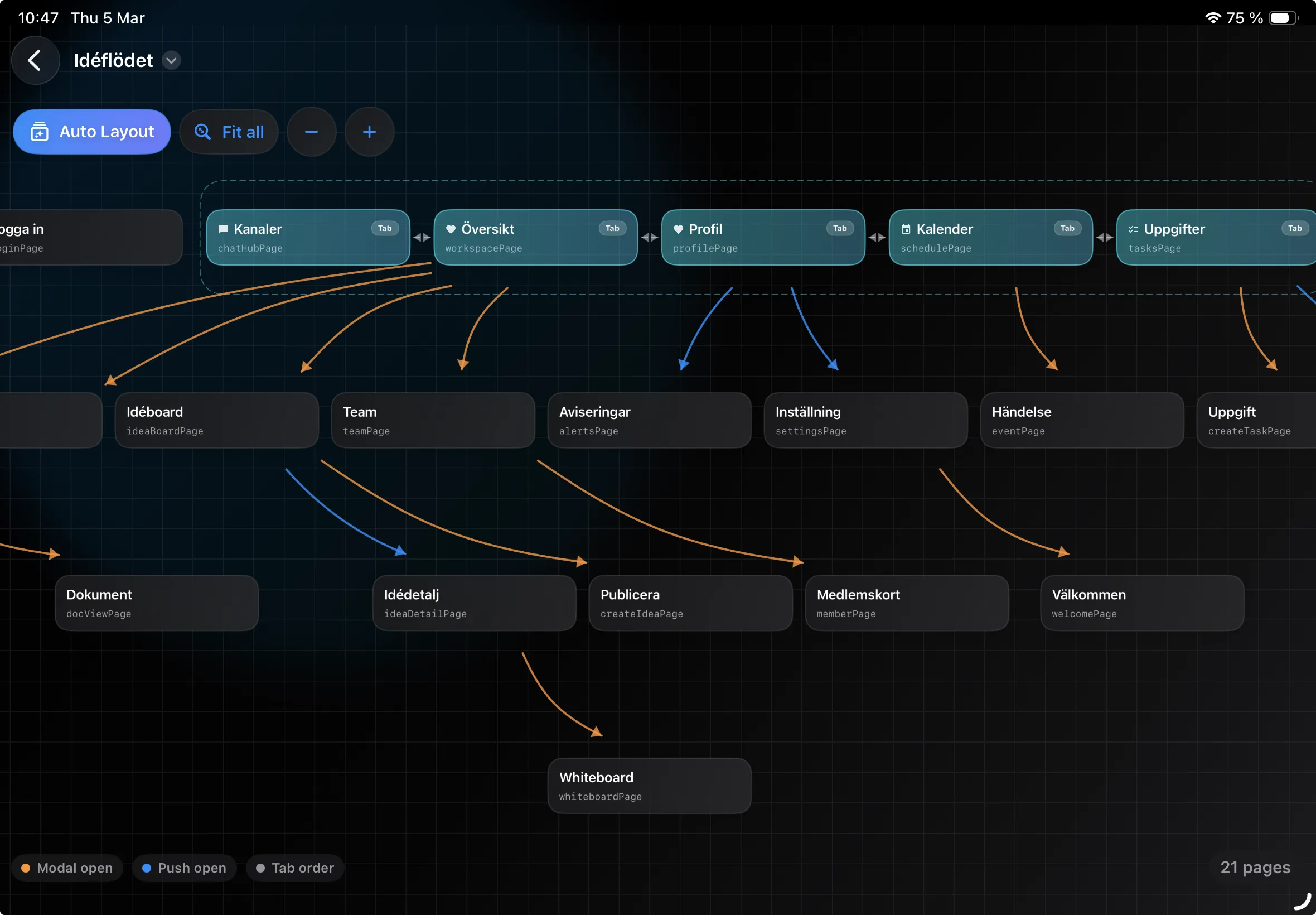
Use Graph Mode to review how screens connect and whether important sections are easy to follow.
Pixelmost is useful when you need more than a static mockup and less than a full coded app build.
Generate a first pass of the app, then refine layout, screens, and content direction with components and AI.
Check if onboarding, profile, settings, checkout, and other flows connect in a way that still feels clear.
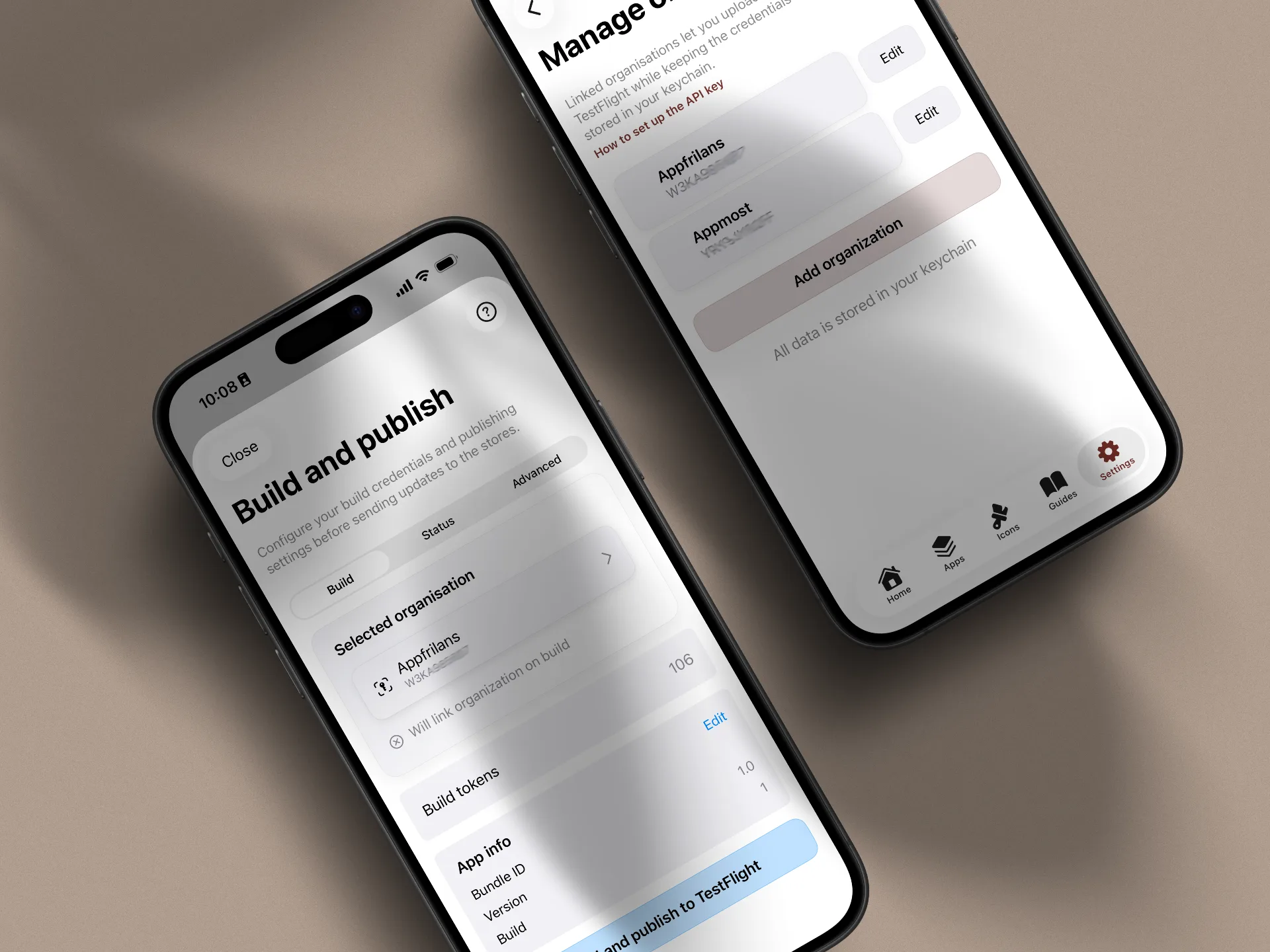
Export screens for reviews, pitch decks, and team discussions, or move on toward TestFlight support on higher plans.
Use Pixelmost to create and review the flow before code, stakeholder review, or TestFlight planning starts.
Map welcome screens, sign-in, permissions, profile setup, and first-use guidance so the beginning of the app has a clear path.
Build the main screens around the job your app needs to support, then walk through taps and transitions in prototype review.
Review account settings, empty states, upgrade paths, and support flows before those details become expensive to change.
The best mobile app prototyping tool depends on whether you need a static visual, an interactive flow, or a structure that can move closer to a testable app.
Use AI generation when the hard part is getting from a blank page to a first direction that your team can react to.
Use Graph Mode when you need to see the whole prototype flow, not only the screen currently open in the editor.
Use Pixelmost when your prototype may need pitch exports, app icons, or TestFlight support after the design review.
If you are narrowing down your use case, these pages are the closest matches.
Use prompt examples, screen planning, flow review, and Graph Mode checks to improve first-pass mobile prototypes.
Create pitch-ready mobile screens and visual concepts quickly, then refine layout and presentation quality.
Move from reviewed prototype to real-device testing with Pixelmost TestFlight support and App Store Connect prep.
Map screens and links in Graph Mode before a prototype moves into testing or handoff.
Compare Pixelmost with Figma, Uizard, and Mowgli when choosing a mobile app prototyping workflow.
Compare focused mobile app prototypes with a broader AI product design canvas and code handoff workflow.
Create screens, review flows, and tighten structure before you move into testing or implementation.