
Create app mockups fast
Turn an idea into a mobile app mockup in seconds instead of drawing each screen from scratch.
Pixelmost helps founders, designers, and product teams create mobile app mockups, interactive prototypes, and pitch-ready screens from a prompt.
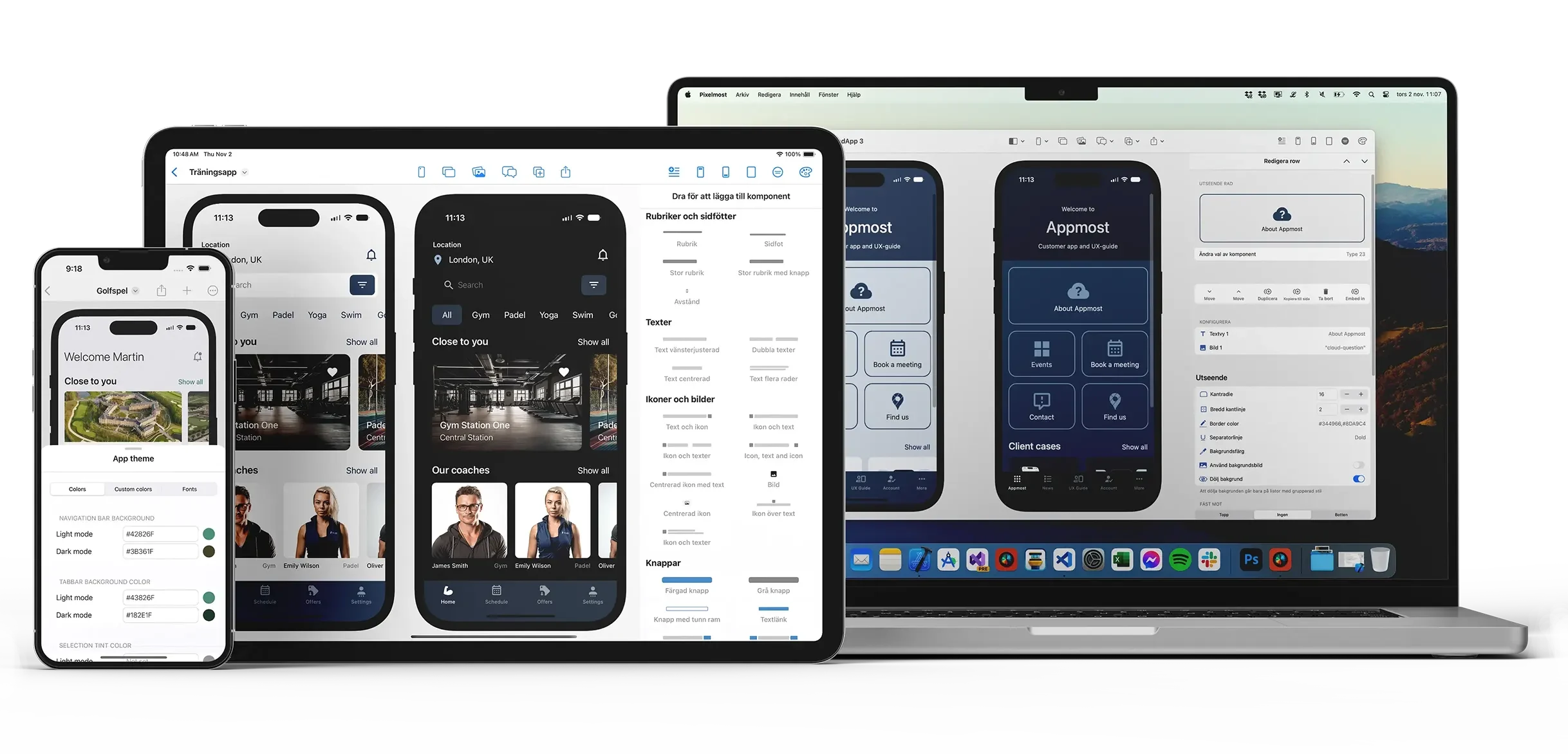
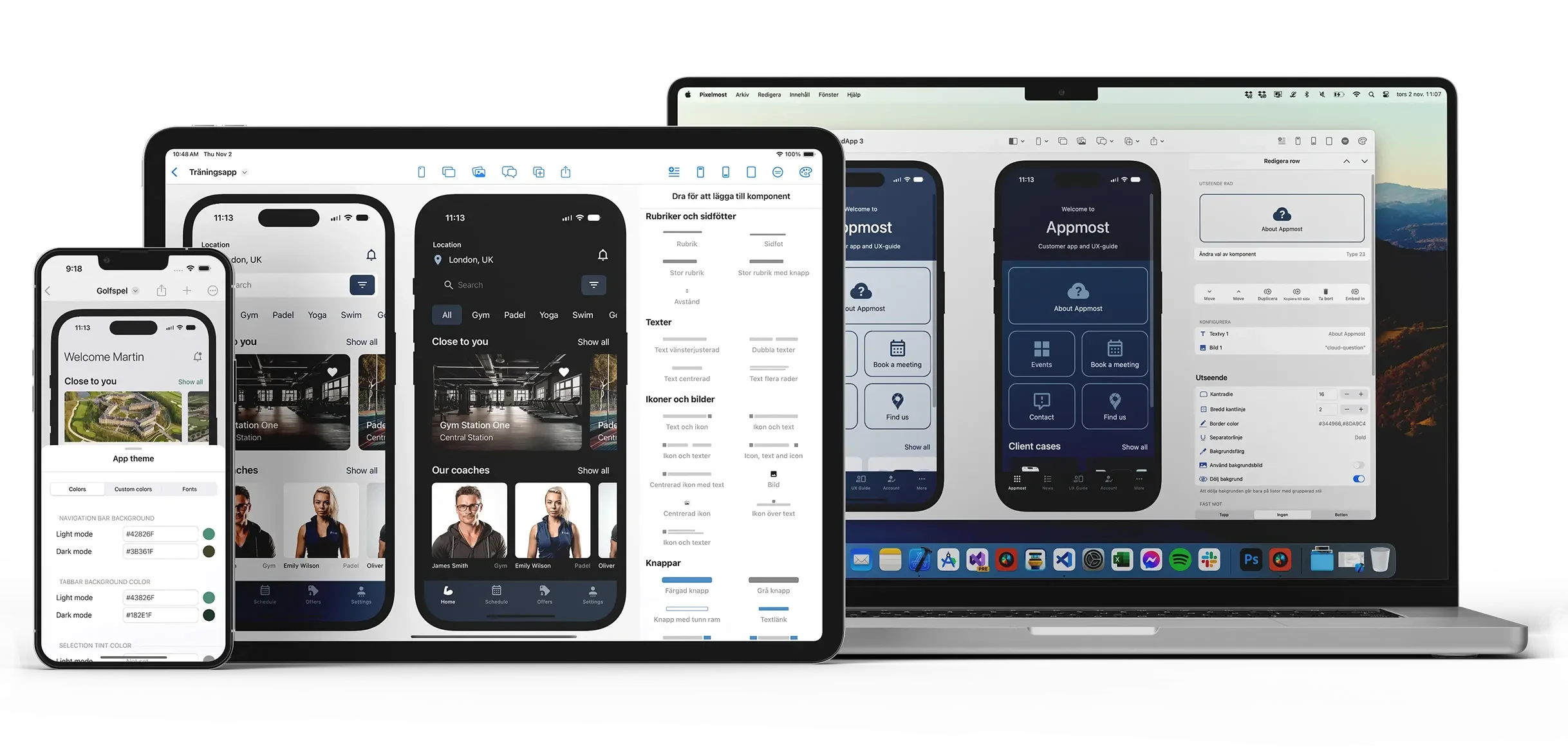
Create app mockups, prototype flows, and visual concepts without starting from a blank canvas.
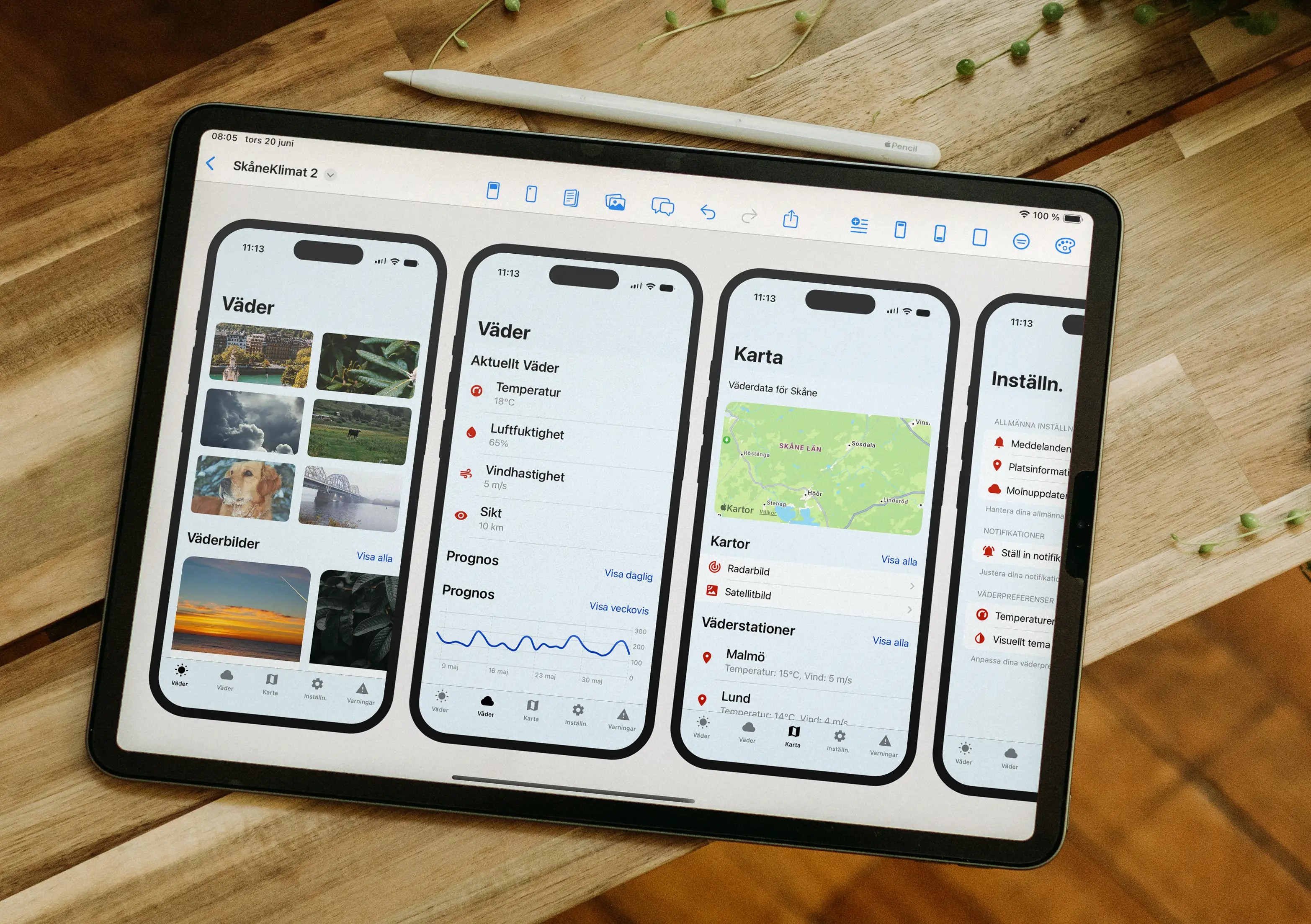
Turn an idea into a mobile app mockup in seconds instead of drawing each screen from scratch.
Review screens, transitions, and flow in a prototype view and adjust the layout with AI or components.
Create app icons that match the style of your concept without leaving the design workflow.
Start from prebuilt mobile UI components instead of rebuilding common screens and patterns by hand.
Generate a color direction from a prompt or fine-tune the palette manually for a clearer visual system.
Export layouts and compositions for pitch decks, reviews, and product discussions.
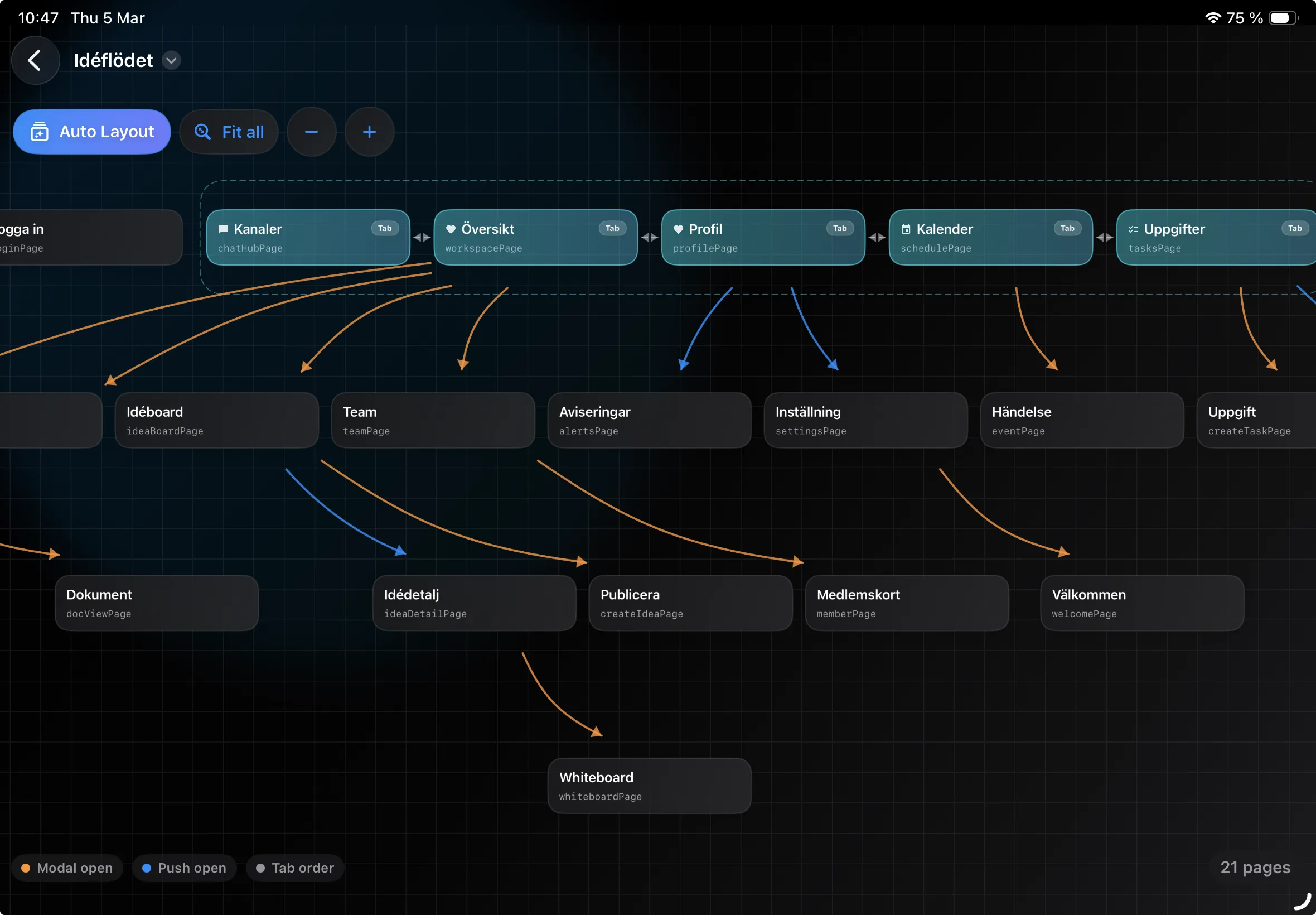
Use navigation and graph views to inspect how screens connect before handoff, testing, or iteration.
These pages target the clearest use cases on the site and should become the main internal SEO hubs beyond the homepage.
See how Pixelmost fits screen flow review, structure checks, and prototype work before testing.
Map screens and links in Graph Mode to catch dead ends, crowded hubs, and missing paths.
Use the replacement Appmost workflow to create first-pass native screens and refine layouts for review.
See how Pixelmost supports the step from reviewed prototype into App Store Connect and TestFlight.
Generate a mobile app color direction, check it across screens, and align icons before export.
Compare focused mobile app prototyping with broader AI product design, specs, code, and handoff workflows.
New possibilities
"This is Incredible!!! Incredible!!! Incredible!!! It literally builds a whole UI exactly the way you want it, in just a few seconds, if you work well on your prompt. Highly recommended!"
"Get your creativity flowing. Awesome tool to get your creativity flowing and see suggestions of features based on a simple idea."
"An excellent sketching tool. Pixelmost is a fantastic platform for those who want to efficiently and effortlessly create a detailed and professional-looking draft of their app in no time."
"An incredible tool for quickly creating mobile app concepts. It's a perfect app for showcasing ideas to clients without needing to code. Highly recommended for designers and developers looking for a fast and efficient way to visualize app concepts!"
Plan prompts, generate mobile screens, review the flow, and decide when the prototype is ready for the next step.
Compare mobile app prototype review with a broader AI product canvas for specs, flows, code, and handoff.
Compare mobile app prototyping workflows by collaboration, AI mockups, app flow, app icons, and TestFlight path.
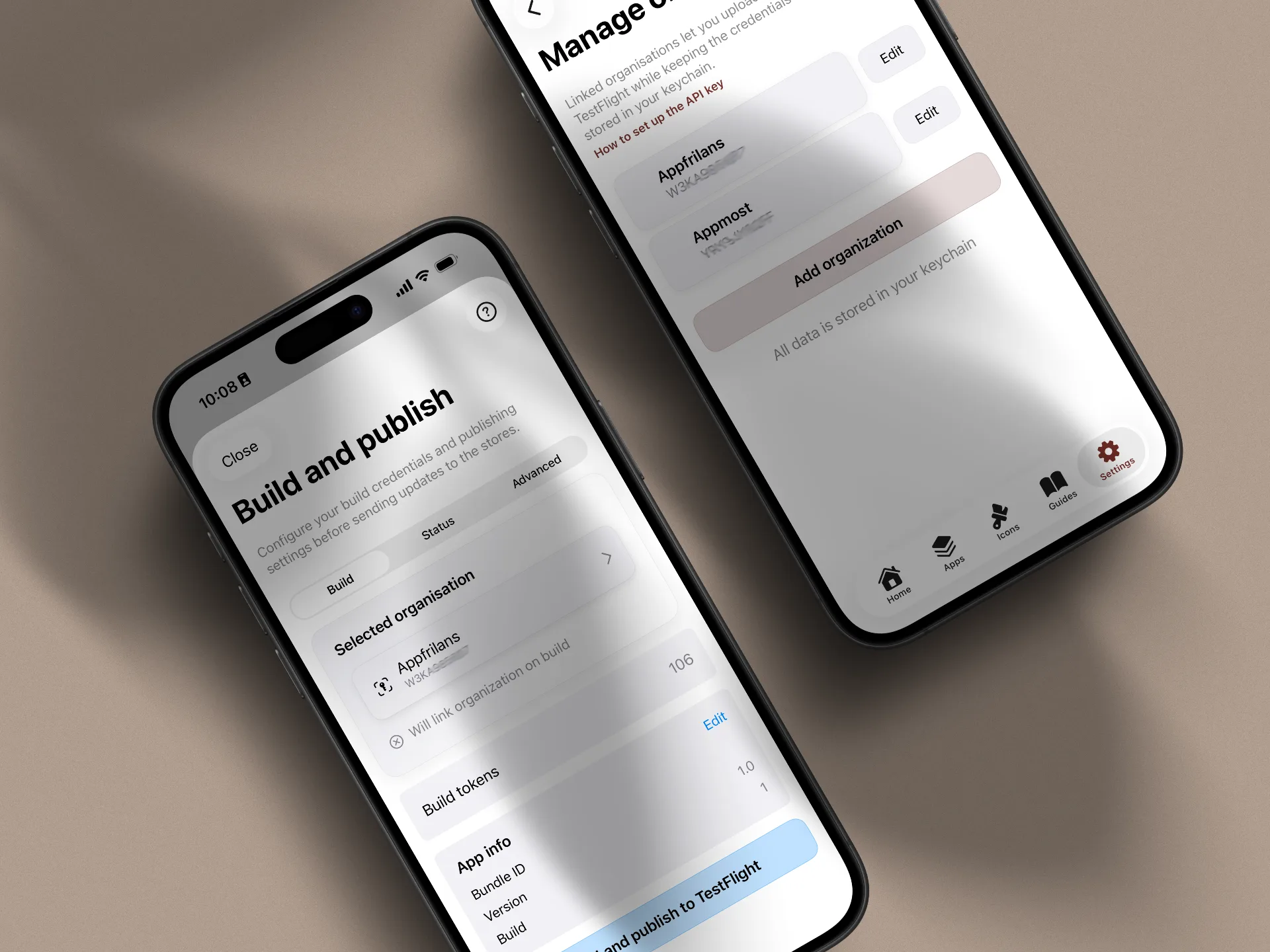
How App Store Connect, certificates, and internal and external testing work when you upload through Pixelmost.
Review screen structure and connections in one view before testing or handoff.
Start with a single prompt and turn your concept into a usable app draft fast.
Design on iPhone, iPad or macOS and keep projects in sync with iCloud.