FAQ
Frequently Asked Questions
Everything you need to get started
Learn about prompts, mockups, prototypes, exports, AI tokens, and TestFlight support.
What is the purpose of this app?
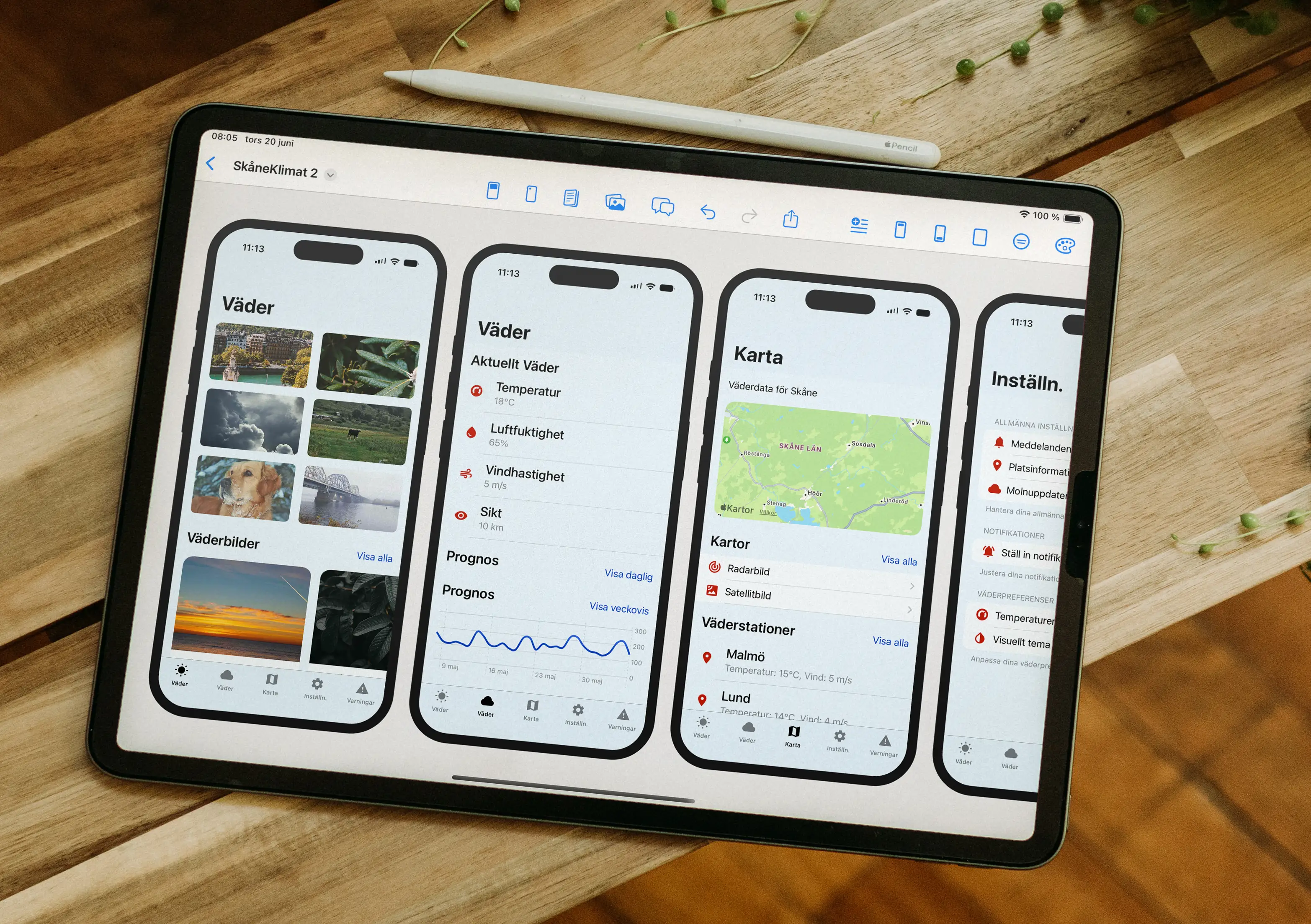
Pixelmost helps you create mobile app mockups, interactive prototypes, app icons, and visual concepts using prompts, components, and AI.
How do I get started with the app?
Download Pixelmost on App Store, start with a prompt, generate your first pages, then refine with components and AI tools directly in the project.
Do I need any prior experience with design tools or app development to use the app?
No. Pixelmost is designed to be easy to use for beginners and also fast for designers and developers who need production-ready app concepts.
How do AI tokens work in Pixelmost?
AI tokens are used when you generate new screens, app concepts or icon results with AI. Different models and generation types can consume different token amounts.
Can I export designs for pitch decks and presentations?
Yes. You can export design compositions for sharing and presentation workflows, and higher plans include PDF pitch deck export.
Does Pixelmost support TestFlight uploads?
Yes. Pixelmost includes TestFlight support on higher plans, and AI Max includes 5 TestFlight upload tokens.
Can I customize components, colors and themes?
Yes. Pixelmost includes predesigned components, editable color themes and dark mode support so you can adapt the visual style to your app concept.
Can I import my own images and assets?
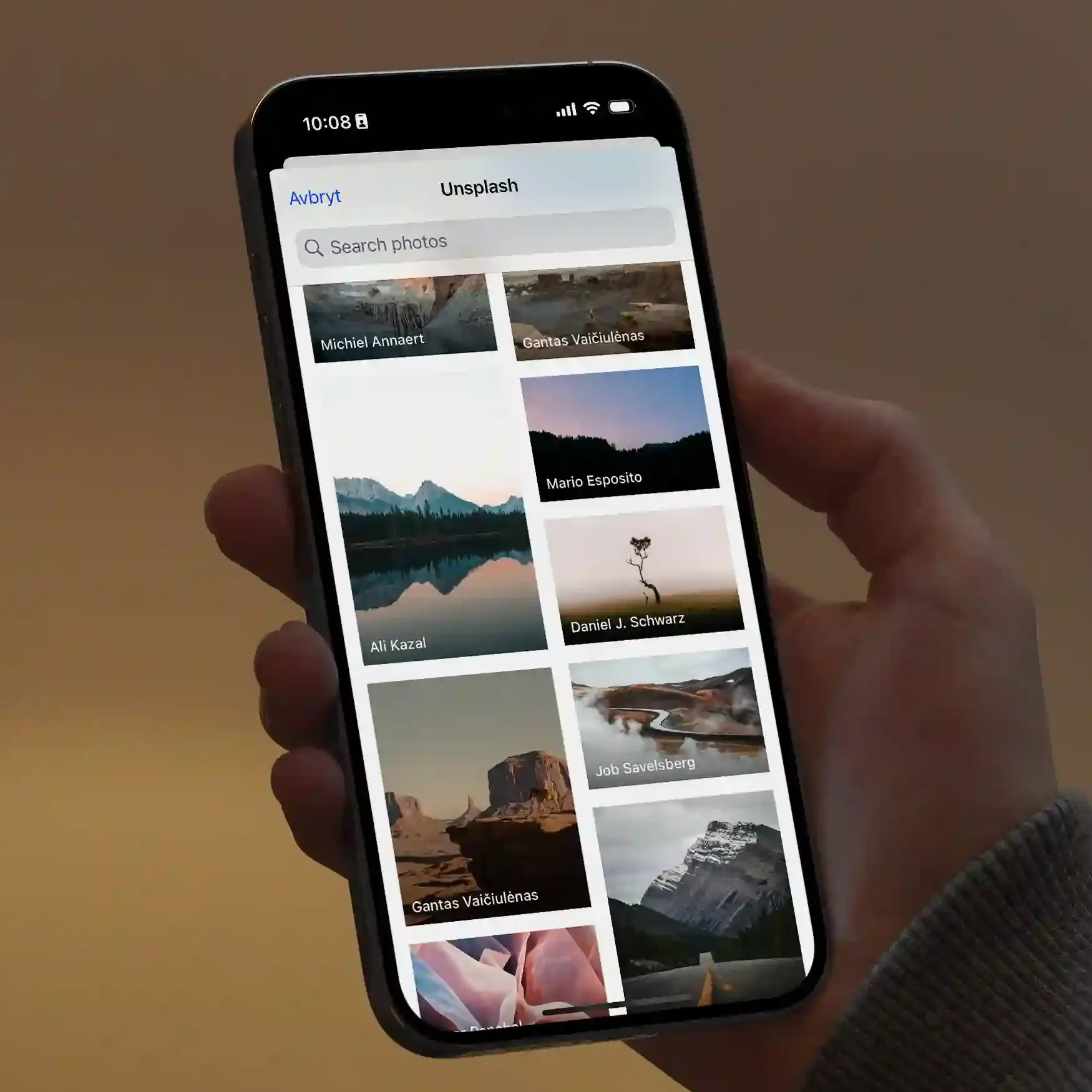
Yes. You can import your own images and combine them with templates, components and generated content directly in your project.
Which platforms are supported today?
Pixelmost is available for iOS, iPadOS and macOS.
Need a more specific starting point?
These pages map better to the most common Pixelmost workflows than a generic FAQ page.